Our Performance Marketing Dashboard Would Give You an Unfair Advantage

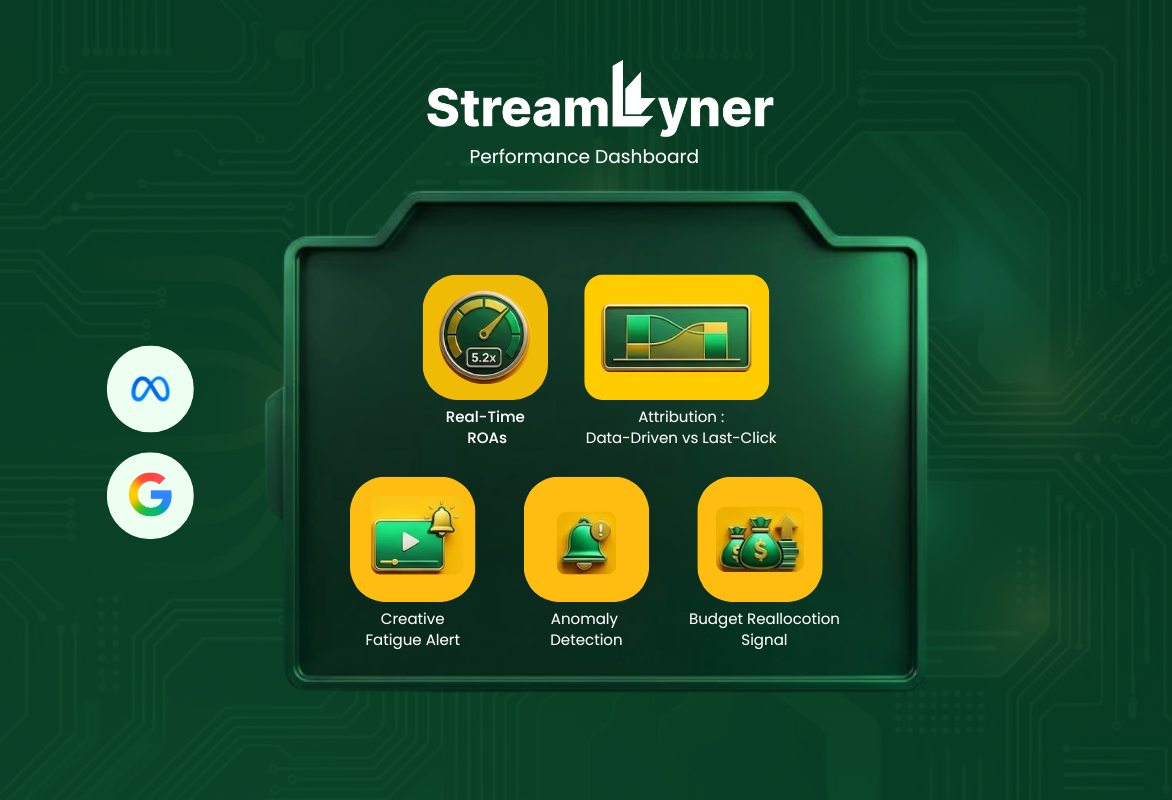
Let's be real: most performance marketing dashboards are just glorified spreadsheets with a refresh button.
You get a pile of numbers, some color-coded cells, a couple of bar charts, and you're supposed to make six-figure budget decisions from that. Meanwhile, your data is sitting in 12 different platforms, your attribution model is a black box, and your team is spending three hours every Monday morning just copy-pasting CSVs into a Google Sheet to figure out what happened last week.
That's not a dashboard. That's a chore.
We build software for performance marketing teams. The kind of teams running multi-channel paid campaigns, juggling $500K+ monthly ad budgets, and accountable to CAC and ROAS targets they can't miss. At Streamlyner, we're software developers who learned to speak performance marketing fluently, and we built a dashboard that reflects what that actually looks like in the real world.
Here's what a genuinely powerful performance marketing dashboard looks like when engineers who understand the domain build it.
1. Real-Time Data Ingestion Across Every Channel, Without Stale Syncs
The first thing a good dashboard needs to do is actually know what's happening right now. Not "as of last night's batch job." Right now.
We pull data via native API connections to Google Ads, Meta Ads, TikTok, LinkedIn, Snapchat, Pinterest, and any DSP or programmatic platform your team runs on. The connectors are built with proper rate-limit handling, exponential backoff, and incremental sync logic, so you're not hammering API limits and you're not missing data during traffic spikes.
Where platforms don't have real-time API support (looking at you, some niche DSPs), we use webhook-based data pushes or polling at the minimum supported interval. The dashboard makes it transparent what the data freshness is for each source. A small timestamp badge per channel tells you whether you're looking at 5-minute-old data or 2-hour-old data.
Why it matters: When you're running an aggressive CPA campaign and something breaks mid-day, you need to know now. Not tomorrow morning when you look at last night's report.
2. Flexible, Custom Attribution Modeling, Not Just Last-Click
Attribution is where most off-the-shelf dashboards completely fall apart. They ship with last-click, maybe first-click, and if you're lucky, a linear model, and they call it a day.
A real performance marketing operation needs to run multiple attribution models simultaneously and compare them.
The dashboard supports:
Last-click, first-click, linear, time-decay: the classics
Position-based (U-shaped): weights first and last touch heavier
Data-driven / algorithmic: using your own historical conversion data to assign weights through a Markov chain or Shapley value calculation
Custom rule-based models: for example, "if the conversion path includes a branded search touch, cap its credit at 20% regardless of position"
You can run any two models side by side on the same campaign data and see how revenue attribution, ROAS, and CPA shift between models. This is the thing that changes budget allocation decisions. Seeing that your Facebook upper-funnel campaigns look terrible under last-click but excellent under data-driven attribution is the kind of insight that redirects significant spend.
All attribution logic runs on clean, joined event-level data stored server-side. No relying on platform-reported conversions. Your numbers, your model, your source of truth.
Flexible, Custom Attribution
Run multiple models simultaneously. Compare how revenue shifts between them.
3. Unified Creative Performance Analysis
Creative is increasingly the biggest lever in paid performance. Your bid strategy matters. Your audience targeting matters. But your creative is often what separates a 2x ROAS from a 5x ROAS.
The dashboard treats creative as a first-class dimension. Every ad variant (static image, video, carousel, UGC clip) is tracked with its own performance fingerprint:
Thumb-stop rate, hook rate, hold rate (for video)
CTR, CVR, CPA, ROAS broken down per creative
Creative fatigue detection: when an ad's CTR drops >30% from its first-7-day baseline over a rolling window, it flags automatically
Creative tagging: tag your assets by type (UGC, product-led, testimonial, lifestyle), by concept, by offer, then see performance aggregated by tag rather than just by individual ad ID
The visual interface pulls in thumbnail previews directly from the platform APIs so you're looking at the actual creative alongside its numbers. No more pivoting between Ads Manager and a spreadsheet.
4. Automated Anomaly Detection With Context-Aware Alerts
You shouldn't be babysitting dashboards. The dashboard should tell you when something's wrong.
We built an anomaly detection layer that runs statistical process control on your key metrics: CPA, ROAS, impression share, CTR, conversion rate. It calculates rolling baselines with seasonal adjustment (because your Monday CTR and your Saturday CTR are structurally different) and fires an alert when a metric deviates beyond a configurable standard deviation threshold.
But here's the part that separates a smart alert from a noisy one: every alert includes context. If your CPA spikes, the alert doesn't just say "CPA is up." It surfaces:
Which campaigns and ad sets are contributing most to the spike
Whether the anomaly is correlated with a change in CPM (auction-side issue) or CVR (landing page / audience issue)
Whether there's a corresponding budget pacing deviation that explains it
Alerts route to Slack, email, or PagerDuty depending on severity. A 10% CPA drift goes to Slack. A complete tracking breakdown or a 3x CPA spike goes to PagerDuty.
5. Budget Pacing Engine With Mid-Flight Reallocation Signals
Budget management in performance marketing is almost always reactive. You check pacing once a day, realize you've overdelivered on a low-ROAS campaign and underdelivered on a high-ROAS one, and manually shuffle budgets.
The dashboard gives you a pacing engine that runs continuously:
For each campaign, it calculates the expected spend trajectory based on your monthly budget, day-of-week delivery patterns (Sunday typically delivers less), and remaining days
It flags campaigns that are trending to over- or underpace by more than a configurable threshold (say, 15%) by end of period
For campaigns within the same budget group, it surfaces a reallocation recommendation: move $X from Campaign A to Campaign B based on current ROAS differential and remaining period capacity
This isn't autopilot. It's decision support. The dashboard surfaces the recommendation with the supporting data; your team makes the call. But instead of gut-feel budget shuffles, you're making them with a projected ROAS impact estimate attached.
6. Landing Page and Funnel Performance Correlation
The biggest blind spot in most performance dashboards is that they stop at the click. But your CAC isn't determined by what happens in the ad. It's determined by what happens after.
We connect your ad platform data to downstream funnel data (via your analytics platform: GA4, Segment, Amplitude, Mixpanel, or a custom events pipeline) and stitch them together at the UTM parameter level.
The result is a funnel view per campaign or ad set:
Impressions → Clicks → Landing Page Sessions → Add-to-Cart / Lead Form → Checkout / MQL → Purchase / SQL → Revenue
You can see at which funnel step each campaign's cohort is bleeding. A campaign with great CTR and terrible CVR on the landing page is a different problem than a campaign with great CVR but high checkout abandonment. The fix is different. The dashboard makes that visible.
We also track landing page load time per campaign (pulling from CrUX API data or your own RUM pipeline) because a 3-second load time will crater your CVR and it's almost never surfaced in the ad platform data.
7. Audience Overlap Detection and Frequency Management
If you're running multiple campaigns across the same platform targeting similar audiences, you're probably cannibalizing yourself and don't know it.
The dashboard integrates with platform audience APIs to pull overlap estimates between your active audience segments. For Meta specifically, we use the Audience Overlap tool output and surface it as a matrix, so you can immediately see when two high-spend campaigns are hitting 60%+ overlapping users.
On top of that, we track effective frequency per unique user across campaigns (using platform-provided reach and frequency data, since true cross-device deduplication requires platform cooperation). When a campaign's average frequency crosses your defined threshold, it surfaces a fatigue warning and links directly to the creative refresh recommendation.
8. Incrementality and Holdout Test Management
This is the advanced layer that most marketing teams want but find operationally painful to run.
Incrementality testing (running holdout groups to measure the true causal lift of your ad spend) is the most honest way to know if your campaigns are actually driving incremental revenue or just taking credit for organic conversions.
The dashboard has a built-in holdout experiment management module:
Define a holdout test: campaign, holdout percentage, duration, and success metric
The system creates a geo-based or user-based holdout (depending on platform capabilities)
During the test, it tracks both exposed and holdout group performance and shows you the running lift estimate with confidence interval
Post-test, it calculates incremental ROAS (iROAS) and flags whether the result is statistically significant
Most teams run incrementality tests quarterly on their biggest spend channels. Having this native to the dashboard, instead of a one-off analysis done in a Jupyter notebook by a data scientist, means you can operationalize it as a regular practice.
9. Custom Calculated Metrics and Blended KPIs
Every performance marketing team has proprietary KPIs. Maybe your north star is blended ROAS across paid and organic. Maybe it's a custom profitability metric that accounts for COGS and fulfillment cost. Maybe it's a multi-touch lead score.
The dashboard has a calculated metrics builder: a formula editor where you define custom metrics using any available data fields with standard arithmetic operators. For example:
Blended ROAS = (Total Revenue) / (Paid Ad Spend + Influencer Spend + Email Platform Cost)Contribution Margin ROAS = (Revenue - COGS - Fulfillment Cost) / Ad SpendOnce defined, your custom metrics become first-class fields. You can add them to any report, chart, or alert just like any native metric. No more maintaining these calculations in spreadsheets that are always one formula error away from giving you wrong numbers.
10. Report Automation and Stakeholder-Specific Views
The last mile of any dashboard is getting the right information to the right people without someone manually exporting it.
The dashboard has a report scheduler that generates PDF or branded HTML reports on your cadence (daily, weekly, monthly) and sends them to defined distribution lists. You configure what metrics, campaigns, and date ranges go into each report template, and it runs automatically.
More importantly, it supports role-based views. Your media buyers see a full campaign-level breakdown with bid and creative data. Your CMO sees a top-line ROAS, CAC, and spend pacing summary. Your CFO sees channel-level budget vs. actuals with projected month-end spend. Same underlying data, surfaced differently based on what each person actually needs.
All views are configurable without touching code. Drag-and-drop widget layout, metric selector, date range presets, comparison period toggles.
The Architecture Behind It
For the engineers reading this: the stack matters.
Data ingestion runs on a queue-based pipeline with platform-specific connectors. Raw data lands in a columnar store (ClickHouse or BigQuery depending on scale), transformation is handled via dbt models, and the API layer is a GraphQL service that the frontend queries. Real-time metrics use a materialized view pattern with incremental refresh, so you're not running full aggregation queries on every dashboard load.
The attribution modeling engine runs as a separate service. Event-level conversion path data gets processed through configurable attribution models, and the output is stored as pre-attributed conversion records that join back to campaign data at query time.
Everything is multi-tenant from the ground up with row-level security, audit logging, and role-based access control. If you're an agency running campaigns for 15 clients, each client's data is isolated and you control what they can see in their own view.
This Is What We Build
At Streamlyner, we're not a dashboard SaaS company trying to serve every industry. We're a software development team that specializes in performance marketing infrastructure, and the dashboard described above is the kind of system we design, architect, and build for our clients.
Every feature above is technically achievable. None of it is vaporware. The complexity lives in the integration work, the data modeling, the edge cases in platform APIs, and the UX decisions that make analytical power accessible to a media buyer who isn't a data engineer.
If your team is running significant paid media spend and you're still stitching together platform-native dashboards with spreadsheets and manual reports, you're leaving both efficiency and accuracy on the table.
The unfair advantage isn't just seeing the data. It's seeing the right data, in the right shape, fast enough to act on it.
That's what a real performance marketing dashboard does.
Interested in what custom performance marketing software would look like for your team? Talk to Streamlyner.